Charges, modifiers, and Box 19 reasons
Step 1 — Build a line item
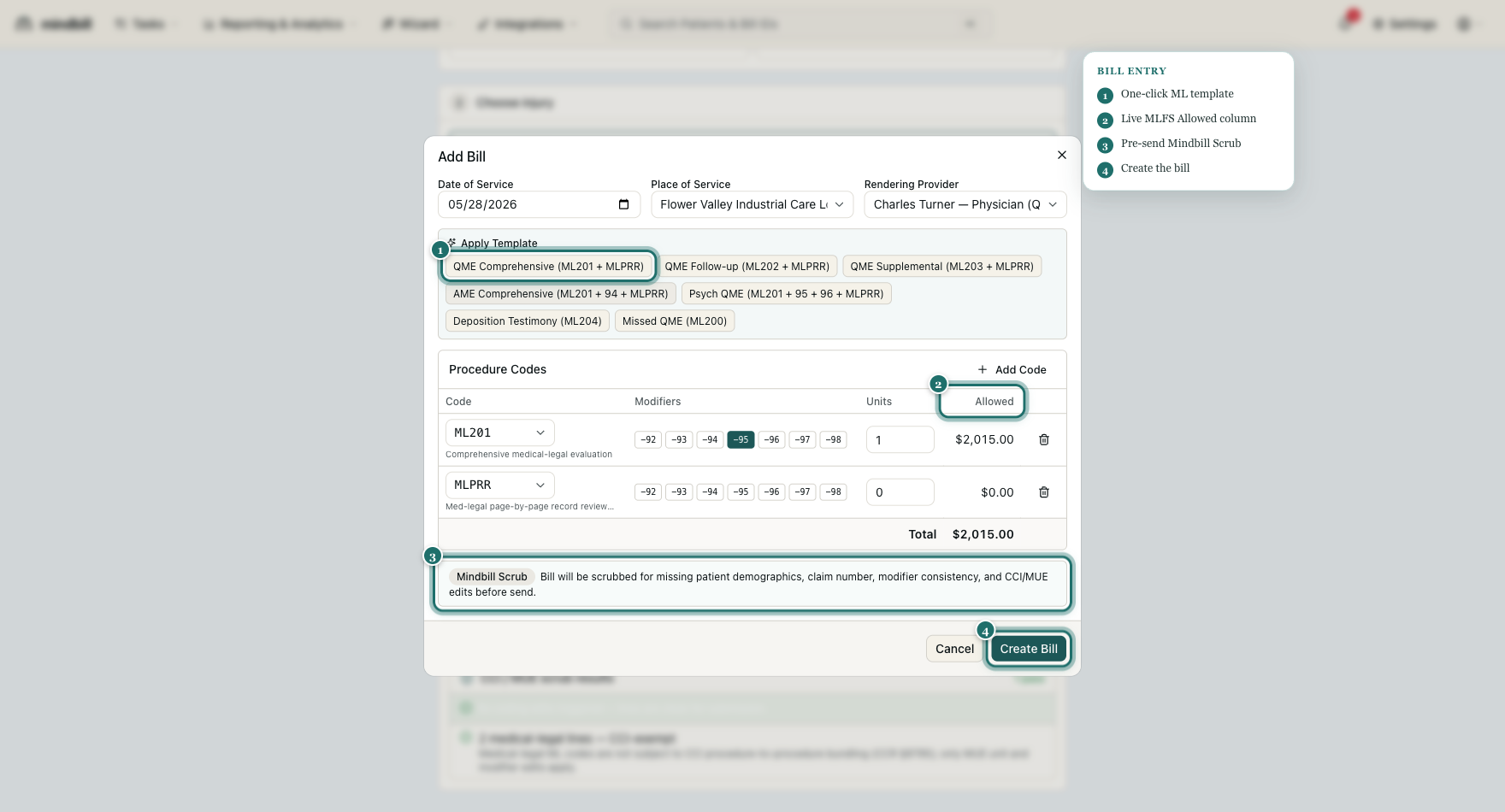
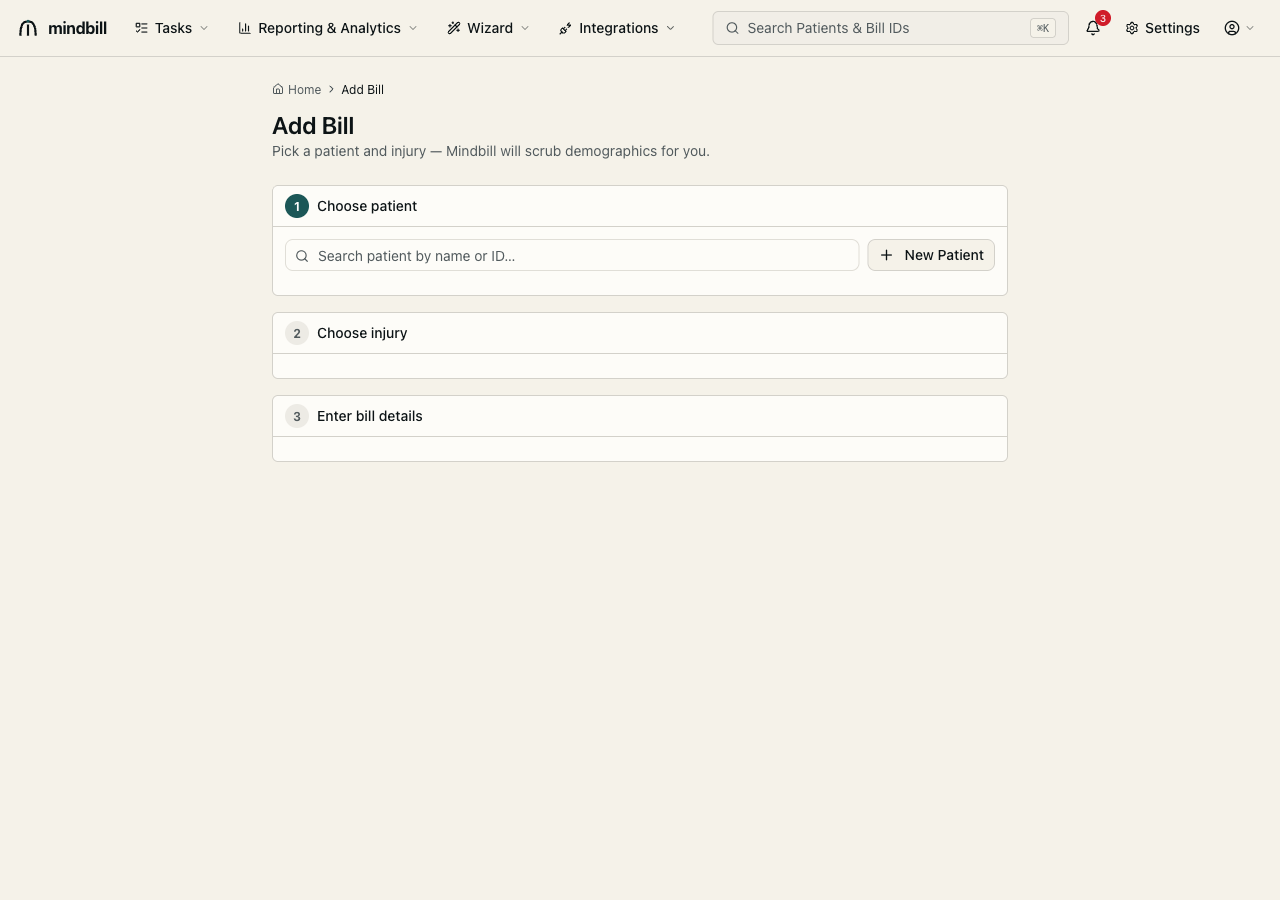
In bill entry, each line item takes a procedure code (ML200–ML205 or MLPRR), a modifier stack, and units. The Bill Template picker jump-starts the common stacks in one click — QME Comprehensive (ML201 + MLPRR), AME Comprehensive (ML201 + 94 + MLPRR), Psych QME (ML201 + 96 + MLPRR), Deposition Testimony (ML204), or Missed QME (ML200) — then you adjust units and codes from there. (The Bill Template picker is hidden for the Spectrum org, whose bundled modifier math differs; Spectrum builds lines code by code.)
Step 2 — Stack modifiers (they multiply)
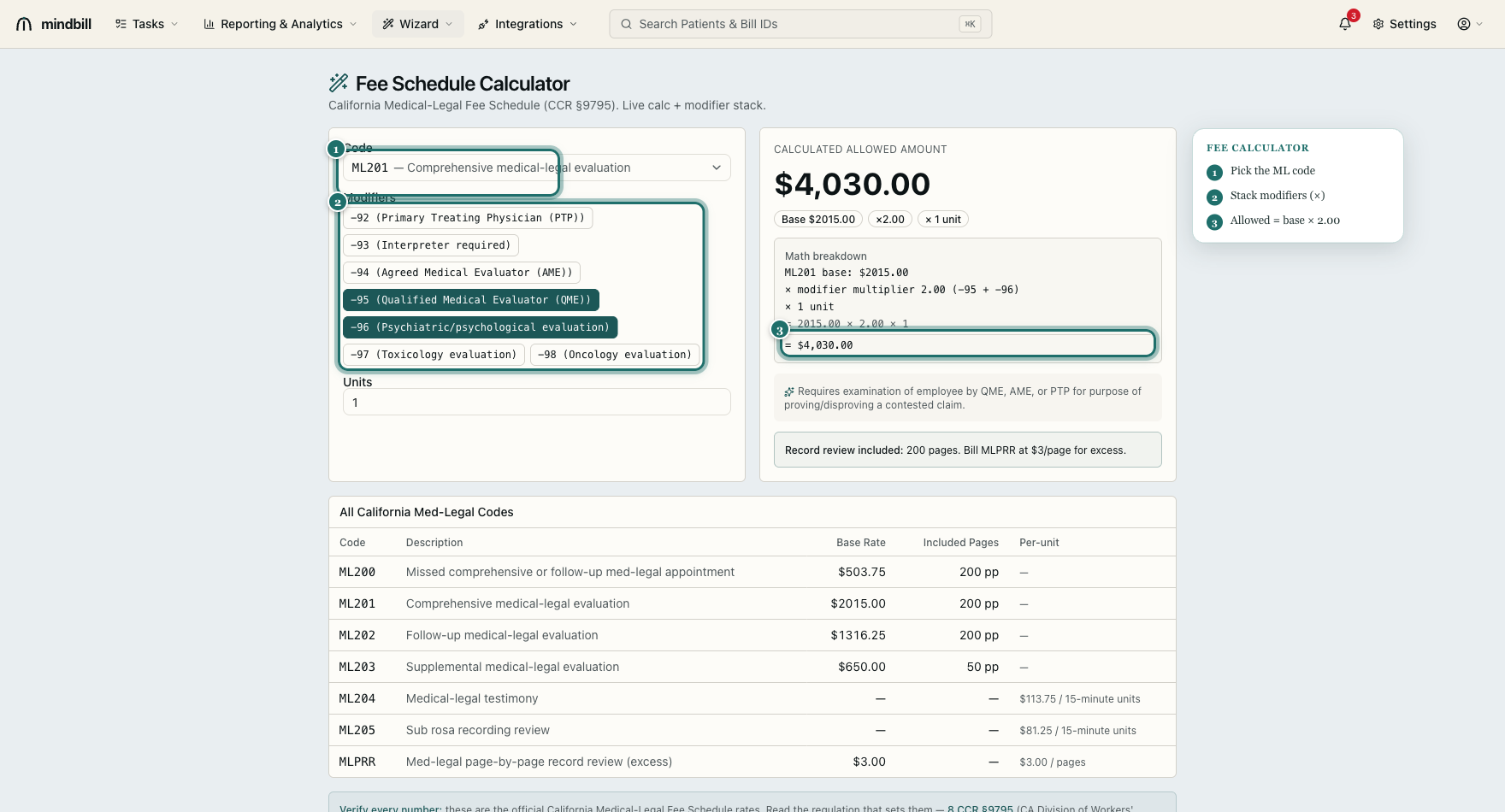
Med-legal modifiers 92–98 are composite multipliers, not flat add-ons. 93 (interpreter) is ×1.10, 94 (AME) ×1.35, 95 (QME) ×1.00, 96 (psychiatric) ×2.00, 97 (toxicology) ×1.50. Mindbill applies the factors automatically and compounds them when more than one applies — so an ML201 with modifier 96 prices at $2,015 × 2.00 = $4,030.00, not $2,015 plus a flat amount. Stacking the right modifiers is how you bill your full entitlement on a complex evaluation.
Step 3 — Read the live Allowed column
As you set each code, modifier, and unit count, the Allowed column prices the line live against the California Medical-Legal Fee Schedule (CCR §9795) — the same engine as the fee-schedule calculator. A finished ML201 reads $2,015.00; the totals roll up at the bottom. Pricing live in the form means you catch an under- or over-coded line before send, and the expected-reimbursement figure that drives your A/R and appeals is set correctly from the start.
Step 4 — Add Box 19 and write-off reasons from the phrase library
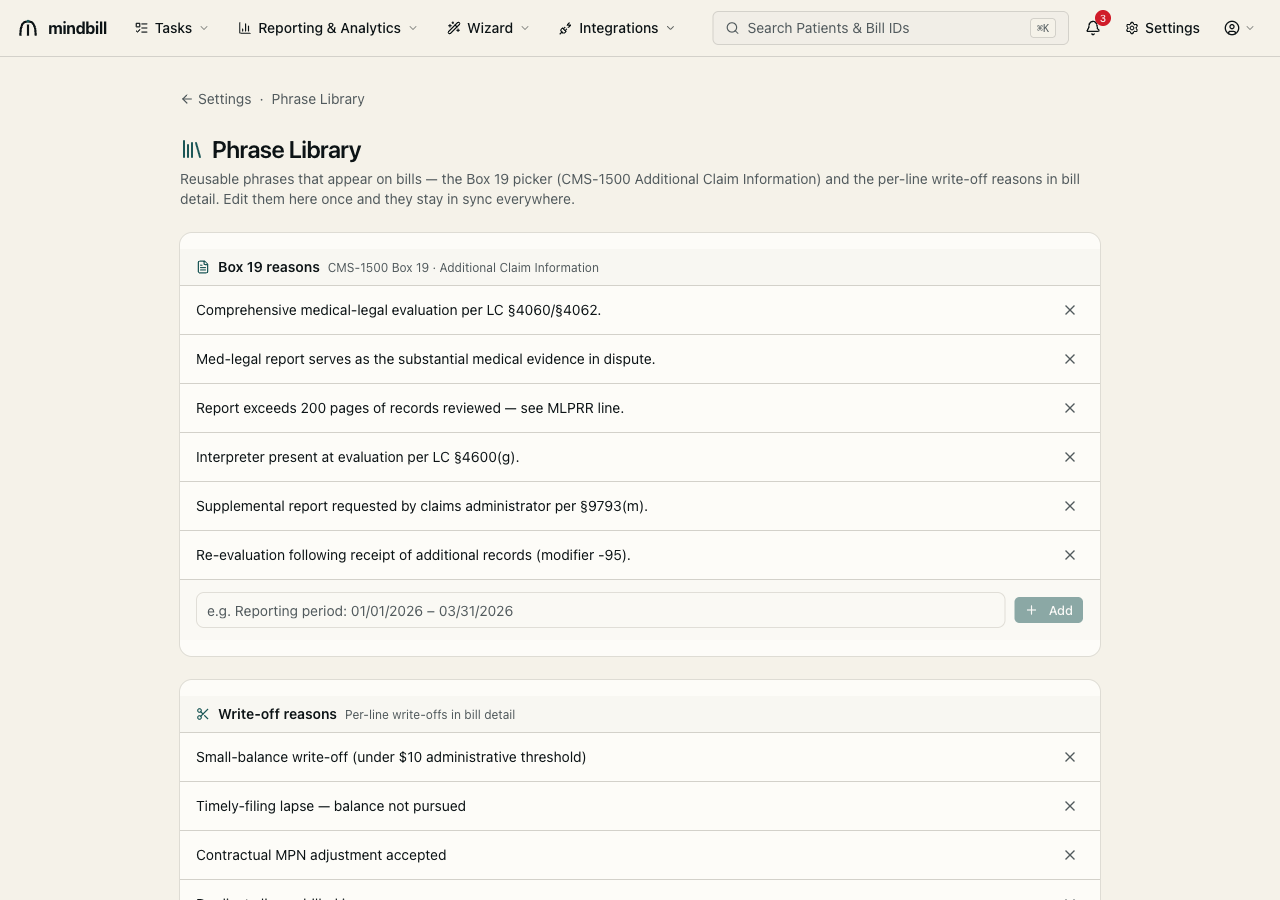
Below the line items, attach Box 19 / additional-information reasons (CMS-1500 Additional Claim Information) and per-line write-off reasons from your configured Phrase Library. Pulling from the shared library — rather than free-typing — keeps the language consistent and defensible across the whole team (e.g. 'Med-legal report serves as the substantial medical evidence in dispute'). Consistent Box 19 language is one fewer thing a payer can pick at, and edits to a phrase sync everywhere it's used.